
 Fennick
 Undo and the Op Log
Undo takes back your last steps; the Op Log lists every change and can undo any one of them.
The Op Log shows every change by every person and agent. You can also go back to a point.
Undo and redo
| Action | Mac | Windows |
|---|---|---|
| Undo | ⌘Z | Ctrl+Z |
| Redo | ⌘⇧Z or ⌘Y | Ctrl+Shift+Z or Ctrl+Y |
- Undo works across lines: typing, new lines, deletes, moves, indents, tags, fields, type settings, and things shown on or taken off a page.
- One step per action. Typing in one line with short pauses is one step.
- Undo is yours, on this device. It never takes back what someone else did.
- Undoing your letters never removes letters someone else typed in the same line.
- Undo puts back only what that step changed and nobody has changed since. A later change by someone else stays.
- If the step happened on another page, undo takes you there first.
- Undo never takes away a day page, or a line that has lines inside it.
- In a box such as search or a field value, ⌘Z is the box's own undo.
On a phone, Undo and Redo are in the search you pull down from the top of a page, and on the keyboard bar while you type (when Fennick is opened from the Home Screen). See Phones.
The Op Log
Open Op Log in the sidebar, or from the command menu. It lists every change in your notebook, newest first, by day. Each row shows:
- the time;
- who made it: you or an agent;
- what they did, such as “wrote …”, “moved …”, “tagged …”, “deleted …”. Click it to go to that line.
Older changes at the foot loads more.
Only changes are listed. Opening a page, stepping through days, or reading never writes anything, so none of it shows here.
On a phone, each change shows in full. Swipe a change left to see Undo and Restore to here.
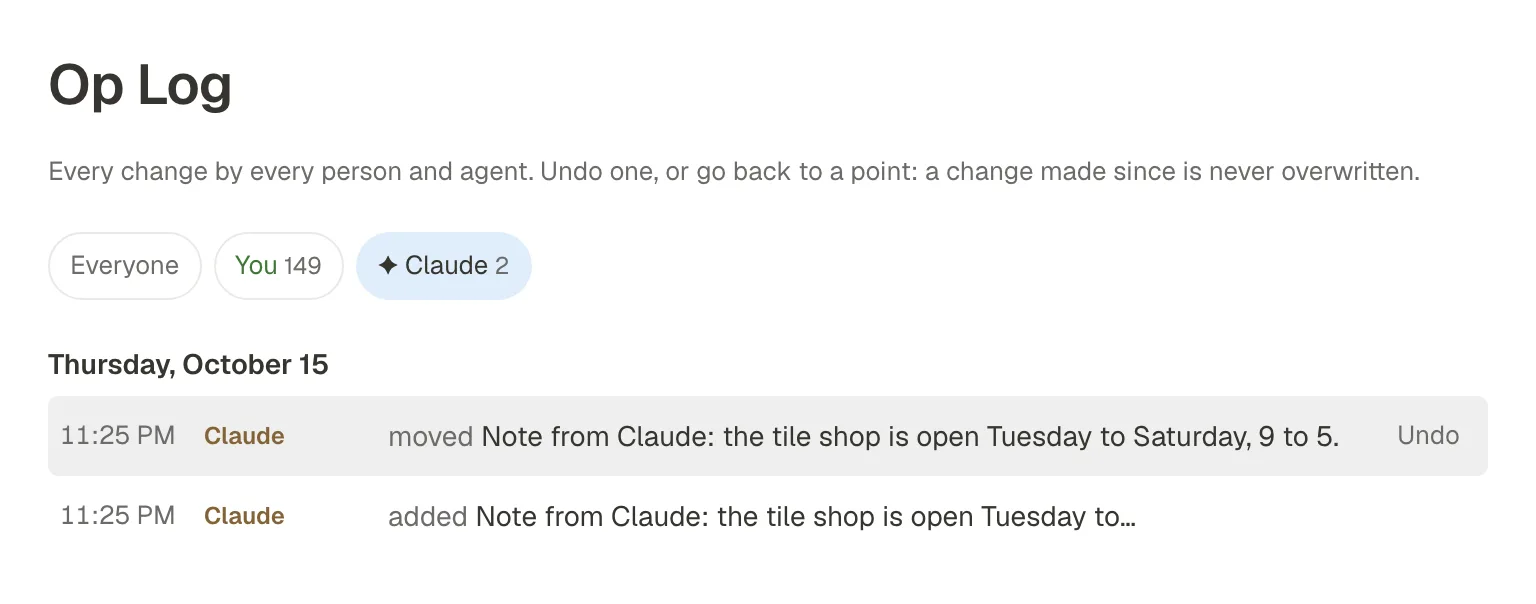
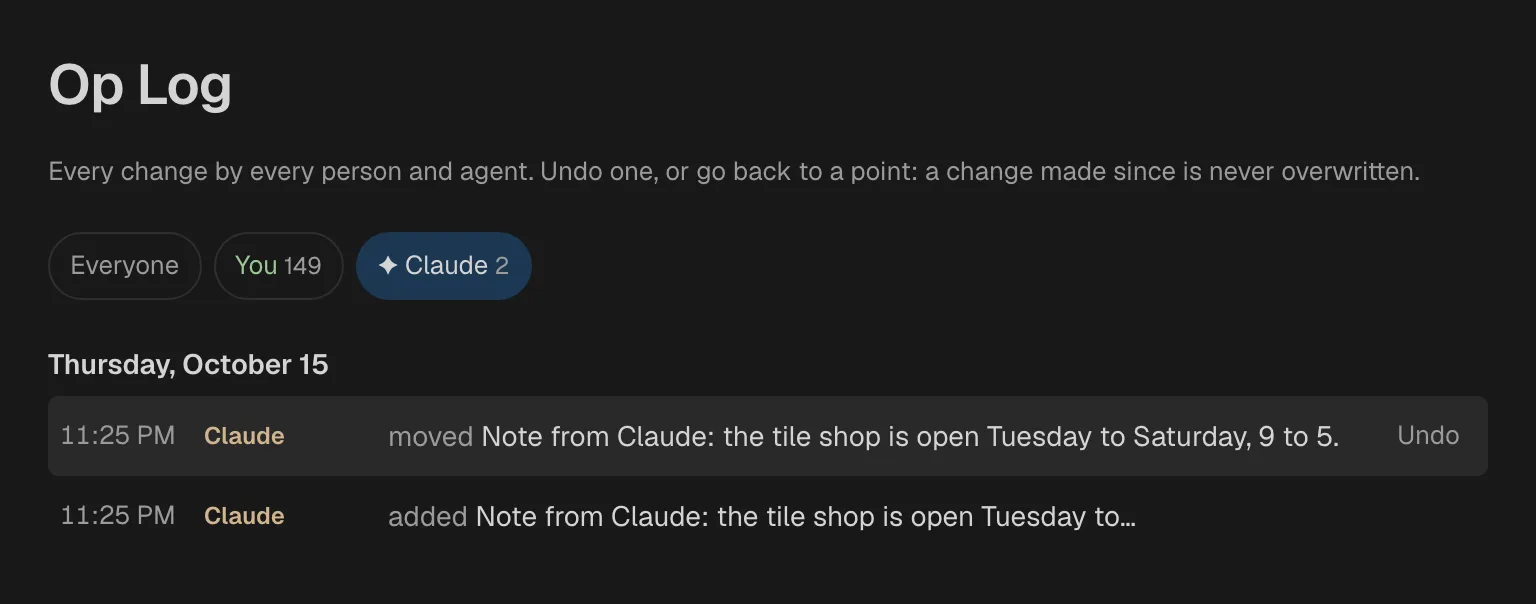
Filter by who
The row of names at the top filters the log. Everyone shows all. Each person and agent has a button with how many changes they made. Agents are marked with ✦.
Undo one change
Click Undo on a row. It puts back what that change replaced, but only where nobody has changed it since. The row is then marked undone.
A few rows cannot be undone: an undo, a go-back, a delete for good, and a renumbering (see Long lists).
Restore to here
Click Restore to here on a row to undo every change made after it. Fennick asks first: “Undo 4 later changes?”. Click Go back, or Cancel.
With a filter on, only that person's or agent's later changes are undone: “Undo 4 later changes by Claude?”. Everyone else's work stays. A change made since is never overwritten.
Long lists
A list can keep growing: it takes new lines however long it gets. When a very long or crowded list needs it, Fennick renumbers the order of its lines once, in the background. Nothing on the page moves.
- The Op Log shows it as Server “renumbered the lines of …”.
- It cannot be undone, and Restore to here passes over it.
In the browser try-out, the Op Log lists your own changes. Agents' changes show here in synced notebooks coming.
Trash
Deleted pages and lines go to the Trash, in the sidebar. The lines inside a deleted line go with it.
- Click Restore to put one back where it was, with its lines inside.
- To delete a page: open the ⋯ menu at the top right of the page and pick Move to Trash. Fennick asks first. Day pages cannot be deleted.
- Deleting a tagged thing that is used elsewhere only takes it off this page. See Deleting a tagged thing.