
 Fennick
 Dates in lines
Type @ and a day to link a line to that day.
Click the link to open the day. The day's page lists your line under Backlinks.
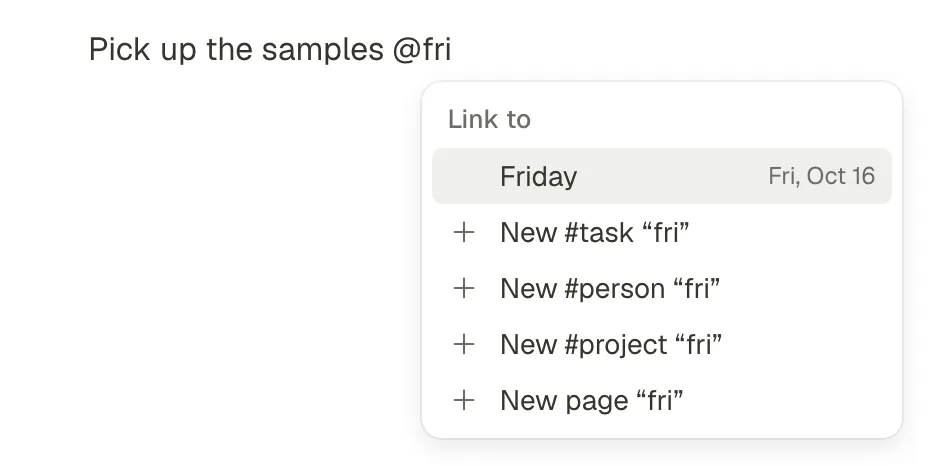
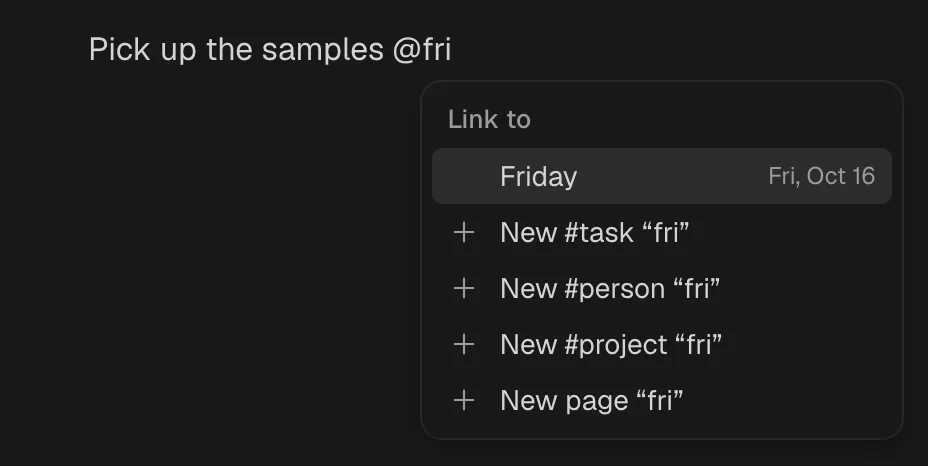
How
- Type
@at the start of a line or after a space. - Type a day, in any of the ways below. The list shows the day it means.
- Press Enter.
The link shows the date itself, such as “Fri, Oct 16”, never “Tomorrow”, in grey words with a small calendar before it. So the line still names the right day next week. A date in another year shows its year too.
What you can type
| Type | Means |
|---|---|
@today, @tomorrow, @yesterday | Those days. Two letters are enough: @to offers today and tomorrow, @ye yesterday. |
@friday, @fri, @fr | The coming Friday, never today. On a Friday, it means next Friday. |
@next fri, @this fri | Also the coming Friday. They mean the same. |
@last fri | The Friday just past. |
@next week, @last week | Seven days on, or seven days back. |
@in 3 days, @in 2 weeks | That many days or weeks on. d, day, w, wk, week all work. |
@3 days ago, @2 weeks ago | That many days or weeks back. |
@oct 15, @october 15, @15 oct | October 15. |
@10/15 | October 15 (month first). |
@oct 15 2027, @10/15/2027, @10/15/27, @2027-10-15 | A date with its year. |
Rules
- No year given: this year's date. If that date was more than two months ago, next year's. So in late December,
@jan 3means the coming January. - A name comes first: if a page or thing starts with what you typed, it is listed before the day.
@tomlists Tom before Tomorrow. - Spaces: after a space, the list stays open only while the words can still become a day, like
@next,@oct,@oct 1or@in 3. Then it lists only days. So@in the morningnever makes a page. - A date that does not exist, like Feb 30, is not offered.
Days in other places
- The command menu reads the same words. Press ⌘K and type
frioroct 15to go to that day. - A date field on a thing (a due date) is set with a date picker. Those things show on the day under Dated this day elsewhere, and on the Calendar.
- The sidebar has Today, recent days under Recents, and a month calendar at its foot.
Coming: a full date spine, where a day such as Aug 1 is its own thing that comes back every year. The way dates read may change when it lands.