
 Fennick
 People and agents
AI agents, such as Claude, can write in your notebook beside you, and every change says who made it.
They can work in the same page, even in the same line, at the same time.
Agents work in synced notebooks, which are not open to new people yet coming. In the browser try-out your notes stay in your browser, so no agent can write in them. Who wrote what works in the try-out too. This page shows how agents work in a synced notebook.
Writing at the same time
- Changes show on every device as they are made, letter by letter.
- When someone else has the page open (an agent, or you on another device), their initial shows at the top right of the page. A faded one is somewhere else in Fennick.
- Their cursor shows in the text, in their colour.
- Two writers can type in the same line. Neither loses letters.
- Your name, in Settings, sets the name shown on your cursor and your writing.
Your notebook is yours alone today. Sharing it with other people is planned coming.
How agents write
An agent writes through Fennick's own server, the same way your typing is saved. It has its own name, so its work is never mixed up with yours:
- Its letters appear in the line as it types them, with its cursor.
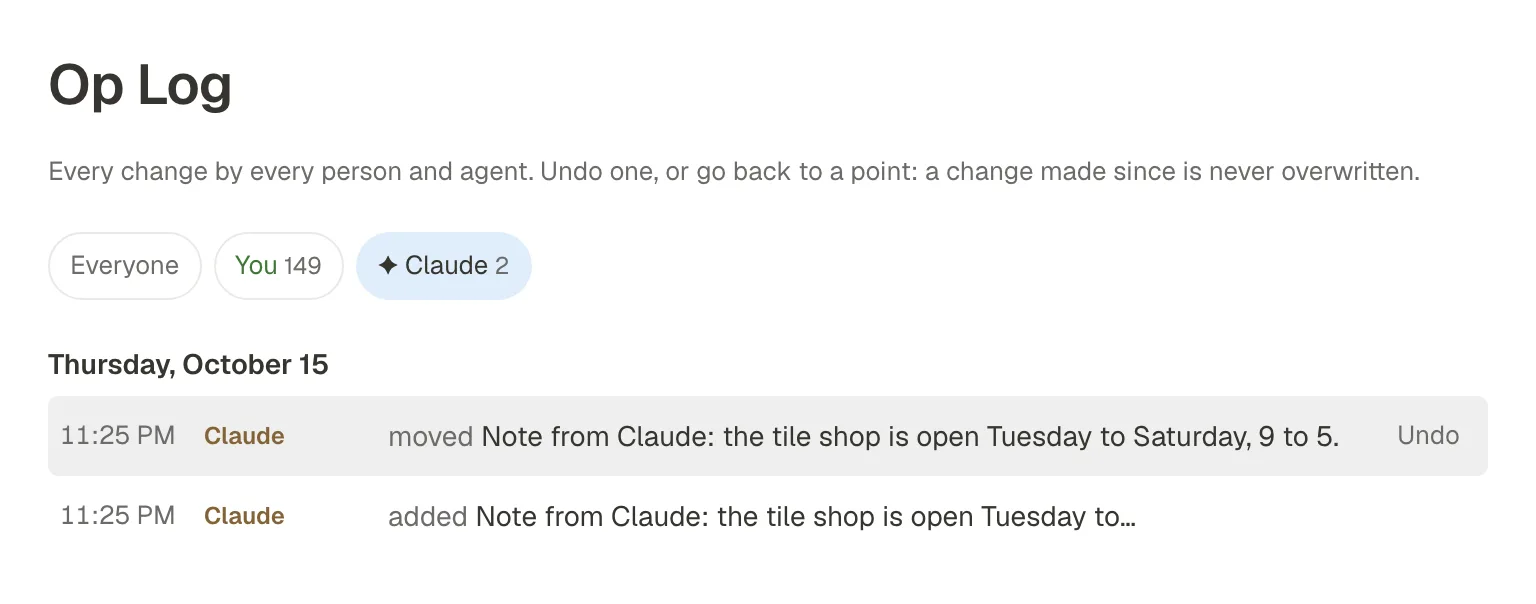
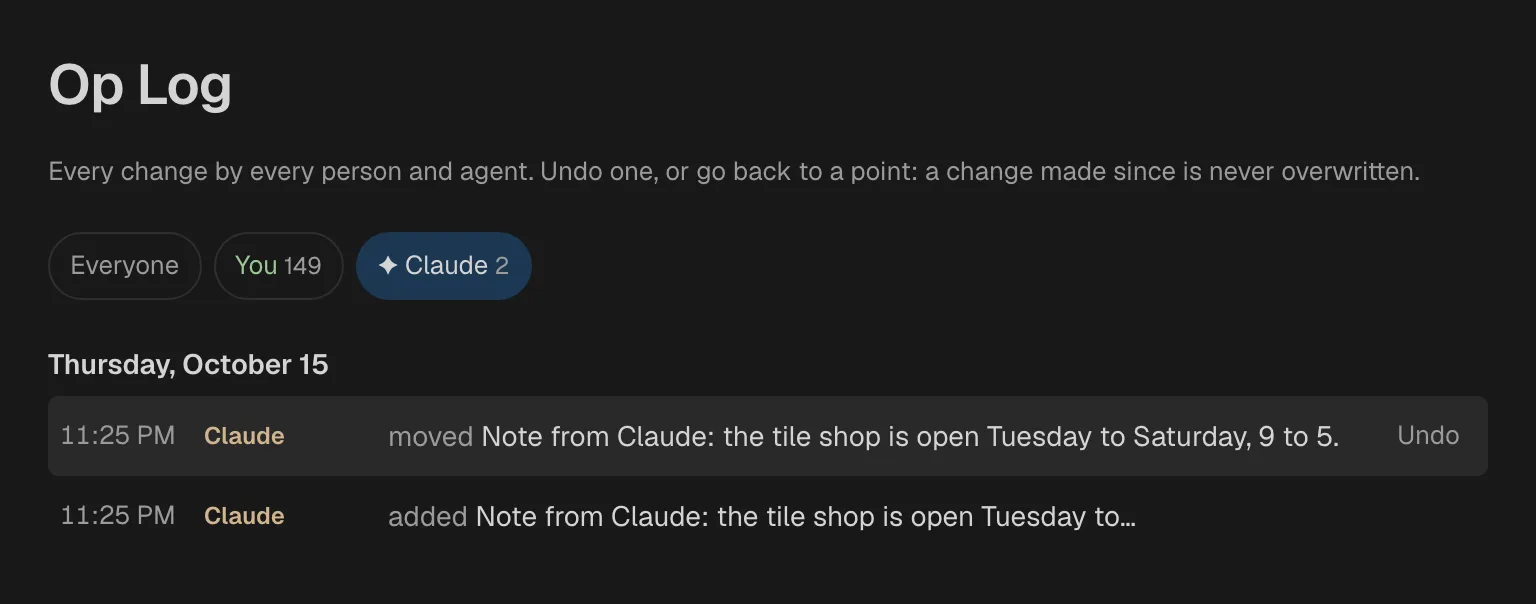
- Each change it makes is in the Op Log under its name, marked ✦.
- A number beside Op Log in the sidebar counts the lines whose last change was made by Claude.
A way to connect your own agents (an API and an MCP server) is not built yet. See Coming.
See and undo what an agent did
- Open the Op Log.
- Click the agent's name at the top, to see only its changes.
- Click a row to go to that line. Click Undo to take one change back.
- Or click Restore to here to undo everything the agent did after that point. Your own changes, and other people's, stay.
Who wrote what
Open the ⋯ menu at the top right of a page and pick Show who wrote what. Each run of words is shaded in its writer's colour, and a key at the top names each writer. Lines cannot be edited while it is on. Pick Hide who wrote what to go back.
Coming
Fennick is being built for people and agents from the start. These are planned and not built yet:
- Permissions: who, and which agent, may read or change what coming
- Reviewing an agent's changes coming
- An API and an MCP server, so your own agents can work in Fennick coming
- Connectors to other apps coming
- Sharing a notebook with other people coming